How much power a laptop draws
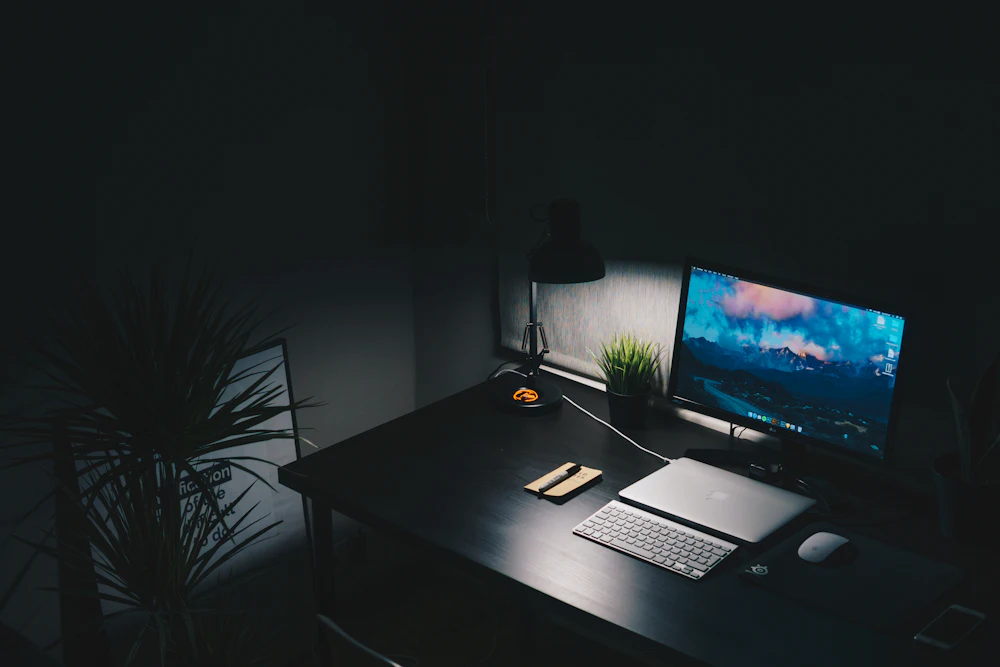
Laptops are designed around a battery, so every part, from the processor to the screen, is built to sip power. Browsing, email and documents typically draw 15 to 30 W from the wall. Video calls and streaming add a little. Heavy work such as compiling code, editing video or gaming raises the draw toward the charger's rating, which is usually 45 to 100 W for everyday laptops and 150 to 330 W for gaming laptops.
The charger's number is a maximum, not an average. A 65 W charger on a laptop that is mostly idle may deliver 15 W most of the day. The screen is often the largest single load in light use, so brightness has a measurable effect.
Laptop cost at low, average and high rates
Today's U.S. average rate is 18.16¢.
| Usage | kWh | Low rate (12¢) | Average rate (16.5¢) | High rate (30¢) |
|---|---|---|---|---|
| One full charge (60 Wh battery) | 0.07 | $0.01 | $0.01 | $0.02 |
| Office work, 8 hours (25 W) | 0.2 | $0.02 | $0.03 | $0.06 |
| Office work, 8 h/day, a month | 6 | $0.72 | $0.99 | $1.80 |
| Gaming laptop, 3 h/day at 180 W, a month | 16 | $1.94 | $2.67 | $4.86 |
| Left on idle 24/7 (12 W), a month | 8.64 | $1.04 | $1.43 | $2.59 |
| Office work, 8 h/day, a year | 73 | $8.76 | $12.05 | $21.90 |
Worked example: laptop versus desktop for remote work
Someone works 8 hours a day, 22 days a month.
- Laptop on its own screen: 25 W × 8 h × 22 = 4.4 kWh a month, about $0.80 at $0.1816 per kWh.
- Laptop with one external 27-inch monitor: add 30 W × 8 h × 22 = 5.3 kWh, for 9.7 kWh in total.
- Desktop with two monitors: (70 W + 60 W) × 8 h × 22 = 22.9 kWh.
The laptop setup costs about $2.40 a month less than the desktop. That is small for one person, but large for an office with hundreds of workstations, which is why many companies standardized on laptops.
Chargers, docks and standby
A charger plugged in without a laptop attached draws very little, usually well under half a watt for modern USB-C chargers. Older barrel-plug bricks that feel warm with nothing connected waste more. Docking stations with their own power supply, external drives and USB hubs can draw a few watts around the clock.
Ways to use less
- Lower screen brightness and turn on the automatic brightness sensor.
- Use the balanced or battery-saver power mode unless you need full performance.
- Let it sleep after 10 to 15 minutes; waking takes seconds.
- Set an 80% charge limit if your laptop offers one, which helps the battery last longer.
- Unplug docks and accessories at night with a power strip.